
What are default passwords and why are they a problem
Every router, switch, access point or IP camera leaves the factory with an administrator password set. The manufacturer has to provide it somewhere - and does so in the user manual, on a label on the device or on its website. These passwords are public, cataloged and available in databases used by automated network scanning tools.
When a device arrives at a company and no one changes the default password, it remains open to anyone who knows where to look. And it does not take long to find out - searching for the device model online is enough.
Which devices are exposed
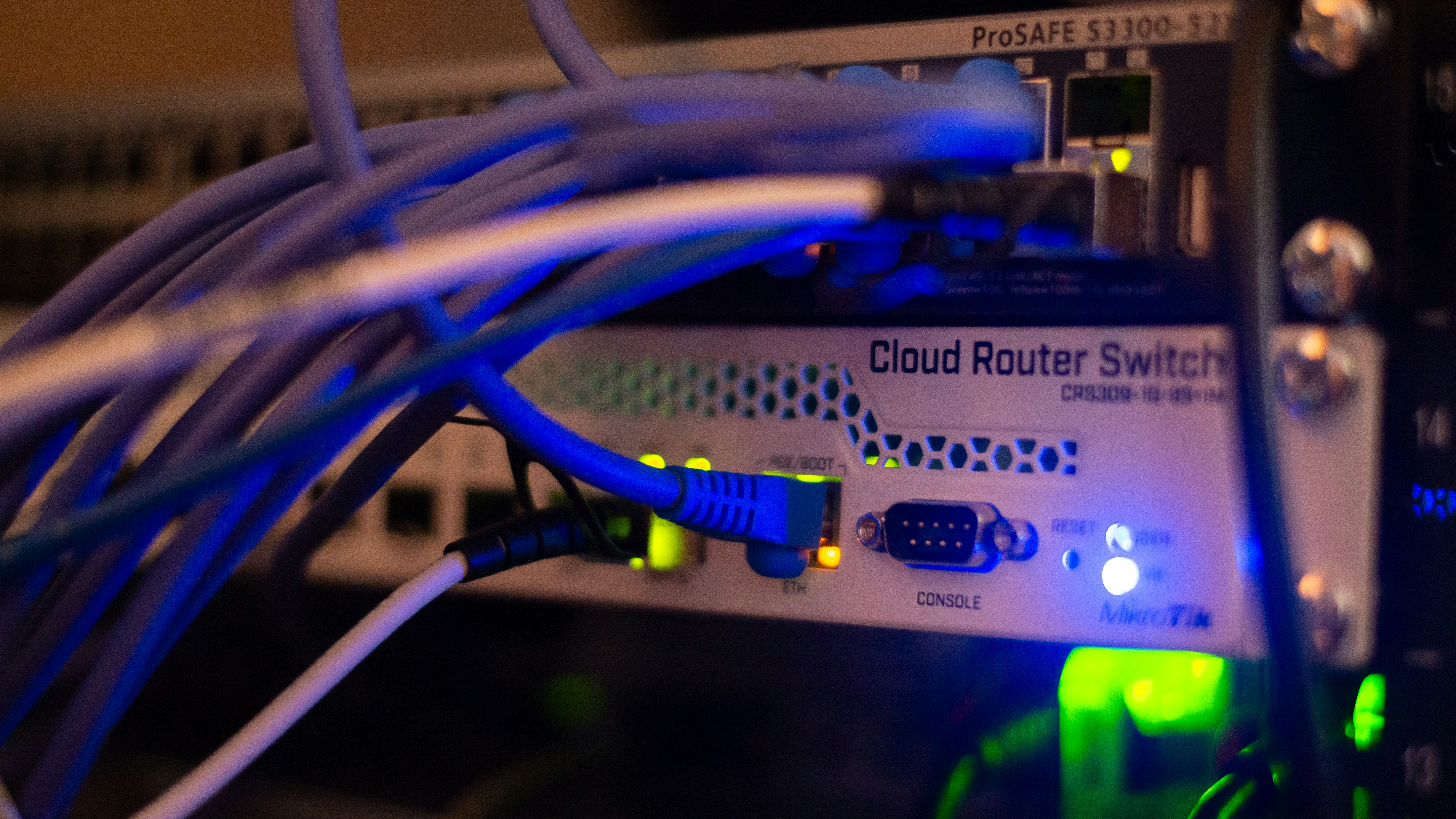
The problem affects the entire network infrastructure, not just routers. Managed switches, Wi-Fi access points, wireless network controllers, IP cameras, network printers, NAS systems - each of these devices has an administrative panel protected by a password, and each comes onto the network with a factory password.
In a typical company there are dozens of such devices - and the degree of control over them can vary greatly.
The worst-case scenario is no inventory at all. The company doesn't know how many network devices it has on the network, who installed them and what passwords they use. Each one may be running with the factory password from the day it was installed - sometimes for years.
Better, but still insufficient, is when IT keeps an inventory of its own devices, but external contractors are left out - internet service providers, companies installing monitoring or alarm systems. The device ends up on the corporate network, works properly, so no one asks questions. The default password remains because no one knows it should be changed.
What an attacker can do with access to a network device
Access to the router or switch admin panel is much more than the ability to change the Wi-Fi password. An attacker with access to a network device can route traffic through their own server and intercept data transmitted on the network, block access to the internet or specific resources, change DNS configuration and direct users to fake login pages, as well as open access to the internal network from the outside.
Particularly dangerous is changing the DNS configuration. The user enters the address of their bank or ERP system, and lands on a site almost identical to the original - and enters their login credentials. Everything looks normal because the address in the browser is correct. Detecting such an attack without monitoring network traffic is very difficult.
Another scenario is using a compromised device as an entry point for further exploration of the network. An attacker who has access to a managed switch can observe traffic between devices on the internal network, collect authentication data and gradually take over additional systems - without any malicious software on employees' computers. From the perspective of standard security tools, such an attack is invisible.
In the case of IP cameras, access to the panel means live view and recordings - which in a corporate environment can mean leakage of information about processes, clients and employees.
How to eliminate the risk
The first step is inventory - a list of all network devices in the company together with their models and location. Without that, you don't know what to secure. The same applies to shadow IT in the infrastructure area - devices connected to the network without IT's knowledge.
Every device should have its default password replaced with a unique, strong password managed through a company password manager. Network device credentials are a separate category - they cannot be written on a sticky note attached to the device or stored in an Excel spreadsheet accessible to everyone.
Access to administrative panels should be restricted to the management network or specific IP addresses - that's another safeguard.
An addition is implementing 802.1X authentication - a standard that requires every device attempting to connect to the network to confirm its identity before being granted access. As a result, an unknown device - even if physically connected to a network socket - will not get onto the network without authorization. This is an effective barrier both against uninventoried devices from external contractors and against equipment brought in by employees.
How it looks at Helpwise
Verification of passwords and configuration of network devices is part of the IT audit we perform when onboarding a new client. We check every device on the network, change default passwords, document the configuration and implement a policy for access to administrative panels.
As part of IT services, we also standardly implement 802.1X authentication - so that only devices that have been previously authorized can connect to the client's network. This eliminates the risk associated with uninventoried equipment and closes one of the most commonly overlooked infrastructure security gaps.