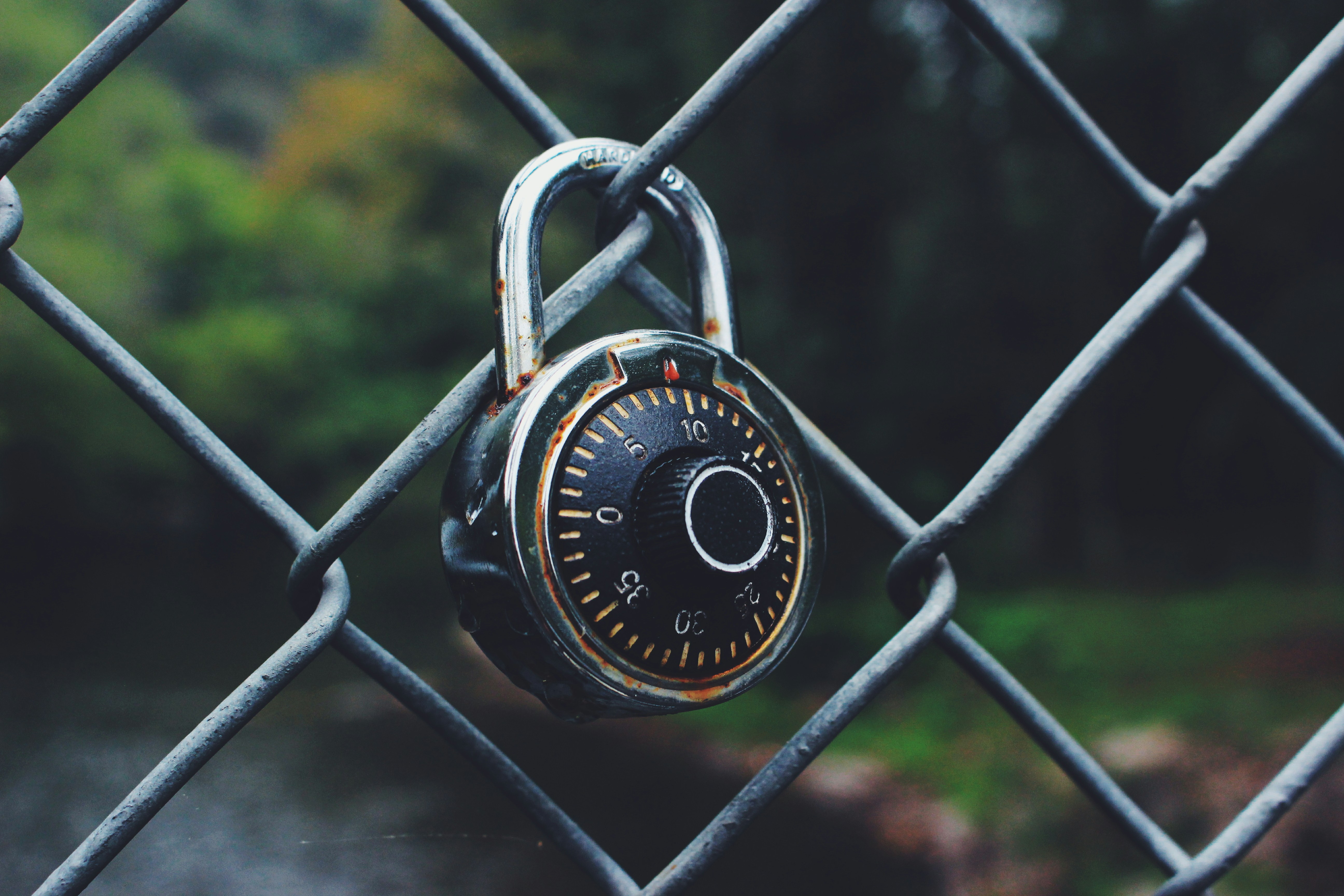

Imagine a door lock. Anyone who wants to enter must have the right key. The more complex the lock, the harder it is to open with the wrong key - a thief with a lock pick has to try many combinations, which takes time and increases the risk of being caught. A good, complex lock effectively discourages them.
A password works exactly the same way. The harder it is - long, random, unpredictable - the harder it is to crack. Automated tools used by cybercriminals test billions of combinations per second, but when they encounter a truly strong password, they simply give up and move on to an easier target.
The problem appears when the key can be stolen. A thief does not have to break the lock if they have the right key. They only need to obtain it - through social engineering, shoulder surfing, or finding it in an inappropriate place. And this is where the real risk begins: even the best password can be lost in a way that is not fully under your control.
A password alone - even a very strong one - is not sufficient protection. A second layer of security is needed, independent of the password, that will work even when the password falls into the wrong hands. Banks solved this problem years ago - every transaction requires confirmation with a code from your phone, regardless of whether someone knows your PIN. Companies protecting their data must do the same today.
A password is not enough - and this is not an opinion, it is a fact
Let us assume your passwords are strong and unique for each service - and that you store them in a password manager. This is a very good foundation. But even the best configured password can be lost in a way you cannot control.
A data breach in an external service, a phishing attack, malicious keylogging software, entering a password on a fake website by mistake - each of these situations can result in your password ending up in unauthorized hands.
That is exactly why a password alone - even a very good one - is not sufficient protection. A second security layer is needed, one that works even when the password has been compromised.
What is two-factor authentication
Two-factor authentication - referred to as 2FA or MFA (Multi-Factor Authentication) - is an identity verification method that requires login confirmation using two independent elements.
The first element is something you know - your password. The second element is something you have - a device, an application, or a physical security key. Only both together grant access to the account.
In practice, it looks like this: you enter your username and password, and then the system asks you to confirm your identity - most often by entering a one-time code that appears in an app on your phone. The code is valid for a few dozen seconds and is different each time. Even if someone knows your password, without access to your phone they will not be able to log in to your account.
Types of second factor - not all are equally secure
There are several popular methods of delivering the second authentication factor. They differ in convenience and security level.
- 1
An SMS code is the most commonly encountered method - a one-time code sent to a phone number. It is significantly better than no MFA at all, but it has one serious weakness: SMS can be intercepted through an attack on the mobile operator, known as SIM swapping, which involves transferring a number to a different SIM card. In a corporate environment, where possible, it is worth reaching for more secure methods.
- 2
An authenticator app - such as Microsoft Authenticator, Google Authenticator or Authy - generates one-time codes directly on the phone, without involving the mobile network. Codes change every 30 seconds and are not sent through any communication channel, which eliminates the risk of interception. This is the solution we recommend to companies as a standard.
- 3
A hardware key - a physical device plugged into a USB port or communicating via NFC - is the highest level of security, used where access to a system must be protected in an exceptional way: administrator accounts, financial systems, access to critical infrastructure. A hardware key is phishing-resistant - even if an employee logs in on a fake website, the key will not confirm their identity, because it also verifies the address of the service.
- 4
A push notification - an app on the phone displays a notification asking the user to confirm the login with a single tap. Convenient, but it requires user awareness - tapping "approve" without checking whether you are actually in the process of logging in can open access to an attacker. This phenomenon is called MFA fatigue and involves bombarding
Why MFA is so effective
In its security reports, Microsoft estimates that enabling multi-factor authentication blocks over 99% of account attacks - even if the password has been compromised. This is one of the few statistics in IT security that is this clear-cut.
The reason is simple: automated attacks that test stolen passwords at scale across different services are not designed to bypass a second factor. When they encounter an MFA code prompt, they simply move on to the next target. Enabling MFA makes an account stop being an easy target - even if the password has leaked.
MFA in a corporate environment - where to start
In a company, MFA should be enabled first and foremost where the consequences of account takeover would be most severe.
The top priority is email and the Microsoft 365 or Google Workspace environment. This is the center of corporate communication, with access to documents, calendars, and correspondence history. Taking over an email account gives an attacker enormous capabilities - from sending phishing messages to other employees, through access to sensitive documents, to resetting passwords for other services linked to that email address.
The second priority is administrator accounts - for systems, networks, and servers. These are accounts with the broadest permissions, and their compromise may mean full attacker control over the company's infrastructure.
Next are systems that store customer data or financial data: CRM, ERP, accounting systems, e-commerce platforms.
A good practice is to implement MFA as a standard for all corporate accounts - not only for selected systems or selected employees. Every account without MFA is a potential weak point.
Common resistance and how to handle it
Implementing MFA in a company very often meets employee resistance. "It is too complicated", "Login takes too long", "Why, if I already have a good password" - these are arguments we hear regularly.
It is worth understanding them, but they should not be accepted. A few extra seconds during login is a negligible cost compared to the consequences of a corporate account takeover. Theft of customer data, operational disruption, the need to notify UODO about a data breach - these are real scenarios that MFA effectively prevents.
In practice, resistance decreases very quickly after implementation. An authenticator app on a phone is easy to use, and MFA login becomes a habit after a few days. The key to success is short training before rollout and showing employees why this change matters - not only for the company, but also for their private accounts.
MFA, GDPR, and legal responsibility
It is worth mentioning the legal aspect. GDPR requires the use of appropriate technical measures to protect personal data. Supervisory authorities, when assessing security incidents, take into account whether the company implemented available and well-known protection measures.
Lack of MFA for access to systems containing personal data may be treated as negligence - especially when an incident occurs that MFA would have prevented. On the other hand, implemented MFA is evidence that the company took deliberate action to protect data - which matters both in administrative proceedings and in client relationships.
A natural complement to MFA in a corporate environment is SSO, meaning Single Sign-On. Instead of logging in separately to each system - email, CRM, project tools, HR platform - an employee logs in once, with one set of credentials, and gets access to all authorized applications. One strong password, one MFA factor, full access to the work environment.
How it works at Helpwise
MFA implementation is one of the standard elements we recommend and configure for our clients. We start with Microsoft 365 or Google Workspace accounts, because this is the most commonly used environment and at the same time the most important target for attackers.
We help select an authentication method tailored to the company's specifics, configure access policies, and deliver employee onboarding. The entire implementation usually takes a few hours - and the security level increases immediately and measurably.