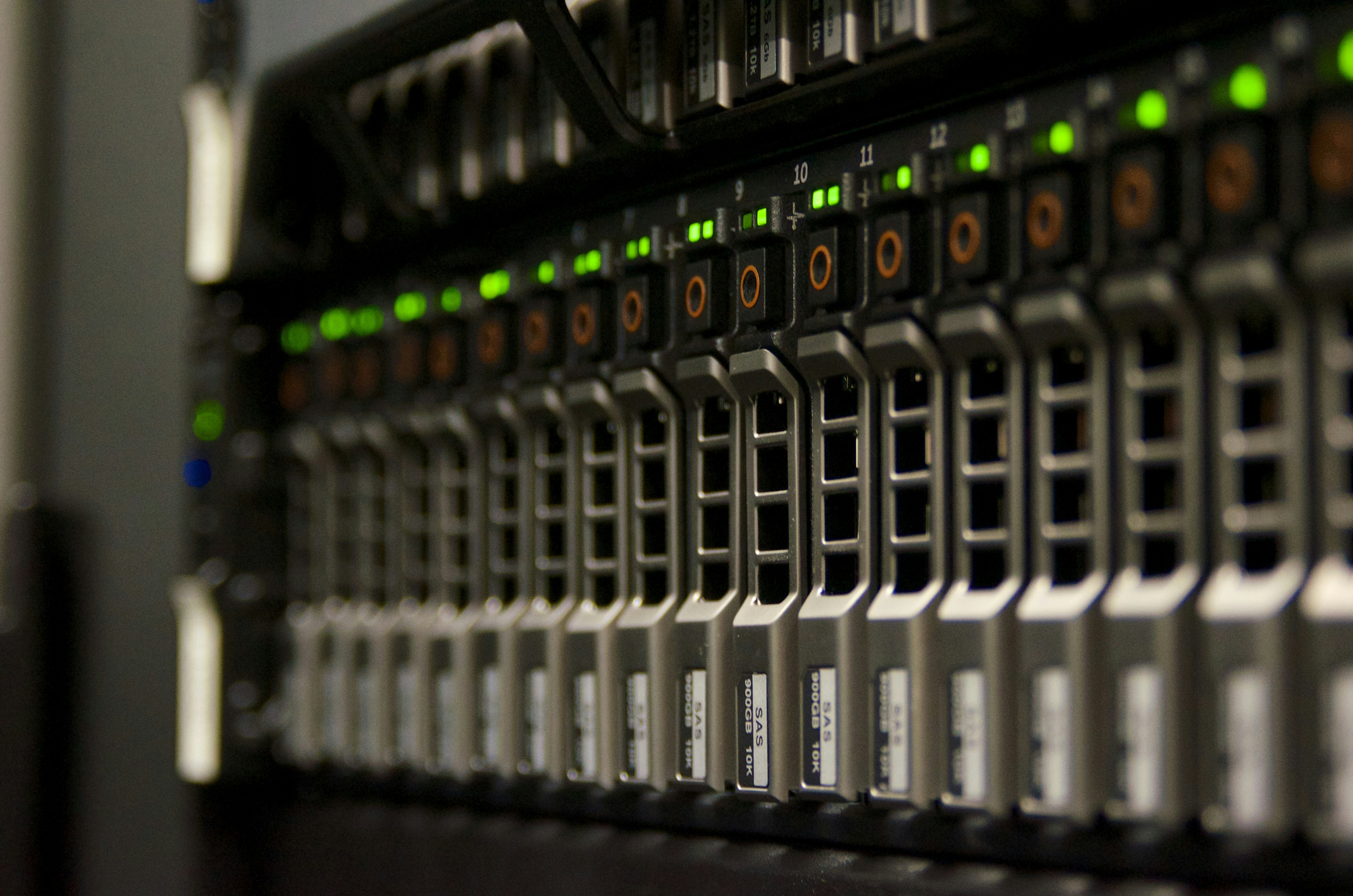

A company server stores everything daily business operations rely on - documents, databases, business systems, backups. Underneath all of this runs the file system - a layer no one thinks about until something goes wrong. A disk fails, data gets silently corrupted, a backup turns out to be incomplete, and restoring a server after an outage takes a full day instead of five minutes.
Most servers use file systems created decades ago, with little changed since then. ZFS is a completely different philosophy - a file system designed from the ground up to keep data secure, available, and easy to restore. And while that may sound like a marketing promise, in practice ZFS delivers mechanisms that companies in the commercial disk array world pay tens of thousands of PLN per year for.
What is ZFS
ZFS is both a file system and a volume manager - meaning it combines two layers that are separate in traditional systems. It was created at Sun Microsystems, is now developed as an open source project (OpenZFS), and runs on Linux, FreeBSD, and related systems. It is the foundation of platforms like TrueNAS, widely used in Proxmox, and increasingly chosen as the default file system on enterprise servers.
For a company, what matters is not who wrote it, but what it can do - and what its alternatives cannot.
Snapshots - a server time machine
This feature alone is a reason to consider ZFS in any server administration decision.
A snapshot is a point-in-time image of data - created instantly, without stopping server operations, and without noticeable performance impact. ZFS can create snapshots every hour, every 15 minutes, every minute - as often as needed.
What does this mean in practice? Someone accidentally deleted a document folder at 10:30. The administrator rolls data back to the 10:15 state - and the files are back. The whole operation takes seconds, not hours. No need to pull backup tapes, no need to wait for cloud restore.
ZFS snapshots do not copy entire files - they store only data blocks that changed or were deleted since the snapshot was created. The more changes occur on the server, the more space snapshots consume - but this is far more efficient than traditional backup, which copies full volumes every time. In practice, hundreds of snapshots use a fraction of the capacity that classic backups of the same data would require.
Replication - data in two places at once
ZFS can send snapshots to another server - incrementally, meaning only what changed since the last transfer. This means you can keep a copy of your data on a second server, updated every several minutes, without copying full disk contents each time.
For a business, this means two things. First - protection against hardware failure. If the primary server fails, the data is on the secondary server, ready to use. Second - protection against physical disasters. The second server can be in another location, another office, another city. Fire, flooding, equipment theft - the data survives.
Importantly, replication is built into ZFS - the system can natively send and receive snapshots between servers. To automate this process (scheduling, retention, monitoring), you need an additional tool - but these are simple, free open source solutions that should not be a problem for an experienced administrator to implement. In the commercial disk array world (NetApp, Dell EMC, Pure Storage), replication is a premium feature paid separately for - often in amounts comparable to the cost of the hardware itself.
Compression - more data on the same disks
ZFS offers built-in, transparent data compression. "Transparent" means it works automatically in the background - applications and users see no difference, while data occupies less disk space than its actual size.
Depending on data type, compression can save from 20% to as much as 60% of space. Office documents, databases, system logs - all of these compress very well. For a company, this is a direct cost saving - the same disks can hold more data, and purchasing additional capacity can be postponed.
And again - compression is built in, free, and requires no additional software.
Flexible RAID levels - disk failure protection without rigid rules
Every enterprise server should be protected against disk failure - if one disk breaks, data must not disappear. Traditionally, this is done with RAID - a mechanism that distributes data across multiple disks with redundancy.
ZFS has its own RAID implementation (called RAIDZ) that solves several problems of traditional hardware controllers.
First - flexibility. ZFS lets you build storage pools with different redundancy levels: from tolerance for one disk failure, to two, up to three simultaneously failed disks without data loss. For data with different criticality levels, you can create separate pools - production data with triple redundancy, archival data with single redundancy - and manage them independently on the same server.
Second - hardware independence. Traditional hardware RAID is tied to a specific controller. If the controller fails, data recovery requires an identical model - and it may no longer be available. ZFS does not need a RAID controller - all logic is in software. Disks can be moved to any other server running ZFS, and data will be available immediately.
Protection against silent data corruption
This is an issue rarely discussed, but it affects every company storing data on disks. Magnetic media and SSDs silently corrupt data over time - individual bits change without any error message. The result can be a file that cannot be opened, a document with corrupted content, or a backup that turns out to be unusable when restore is needed. Traditional file systems do not detect this, and the administrator learns about the issue only when it is already too late.
ZFS solves this problem. On every read, it verifies the data checksum and compares it with the stored value. If the data does not match - ZFS automatically repairs it from a redundant copy. No admin intervention, no downtime, no data loss.
This is a mechanism presented as an advanced enterprise feature in commercial storage systems. In ZFS, it is enabled by default on every volume.
Why not traditional file systems
The most popular server file systems - ext4 on Linux, NTFS on Windows - were designed primarily for one thing: reliable file storage and retrieval. NTFS provides some protection mechanisms - file-level compression and snapshots via the Volume Shadow Copy service - but they do not match what ZFS provides as an integral part of the system. Ext4 does not even provide that. None of these file systems verifies data integrity on read or provides native replication to a second server. ZFS was designed from the start with a completely different assumption - not just to store data, but to actively protect it.
To achieve a comparable level of protection with ext4 or NTFS, you need separate backup software, a separate replication solution, a RAID controller with hardware redundancy, and trust that disks will not silently corrupt data - because the file system will not check it.
ZFS offers all of this in one package, as an integral part of the system. There is no need to buy, deploy, and maintain several separate tools to keep server data secure.
What ZFS will not solve
To be fair - ZFS is not the answer to every challenge.
It requires Linux or FreeBSD - ZFS does not run on Windows. If the server must run under Windows Server, ZFS is not an option. However, in environments where file servers, virtual machines, or backup systems run on Linux - ZFS is a natural choice.
It needs sufficient RAM - ZFS uses memory to cache data and metadata. A server with ZFS should have more RAM than a server with a traditional file system. For small environments, this means at least 16 GB, and for larger ones - proportionally more.
It does not replace a complete backup strategy - snapshots and replication protect against most failure scenarios, and immutable snapshots on the target server provide effective protection even against ransomware. Even so, best practice assumes storing a backup copy outside the company as well - as an additional protection layer for scenarios where both locations are simultaneously at risk.
It requires expertise - deploying and maintaining ZFS requires an administrator who knows the system. This is not a solution that configures itself - although once correctly configured, it runs reliably for years without intervention.
How much does it cost
ZFS is open source software - free of charge, with no license fees, no per-disk or per-terabyte charges. The only cost is suitable hardware (a server with enough RAM and disks) and the time needed for deployment and configuration.
Compare that to commercial disk arrays, where the replication license alone can cost more than an entire server with ZFS. Or to backup software that requires separate licenses per server and per terabyte of protected data. ZFS provides snapshots, compression, RAID, and integrity verification as standard - and replication is implemented using simple, free tools.
Summary
ZFS is a file system that changes the rules of the game for enterprise server data storage. Native snapshots that let you roll back data in seconds, easy-to-implement replication to a second server, transparent space-saving compression, flexible RAID levels protecting against disk failures, and automatic data integrity verification - all in one free file system.
For any company that stores anything valuable on servers - documents, databases, backups, virtual environments - ZFS is a protection layer that should be standard, not a luxury.
How this looks at Helpwise
As part of our server administration services for clients, we analyze which file system best fits a specific situation - data volume, availability requirements, and infrastructure budget.
Where ZFS makes sense, we implement it as part of a broader data protection architecture - we configure storage pools with the right level of redundancy, set up automated snapshots with a retention policy tailored to business needs, and replication to a backup server. We continuously monitor disk and pool health to respond before a single-disk failure becomes a business issue.
The result is an environment where restoring deleted files takes seconds, a disk failure does not mean downtime, and company data has a copy in a secondary location - without costly storage software licenses.