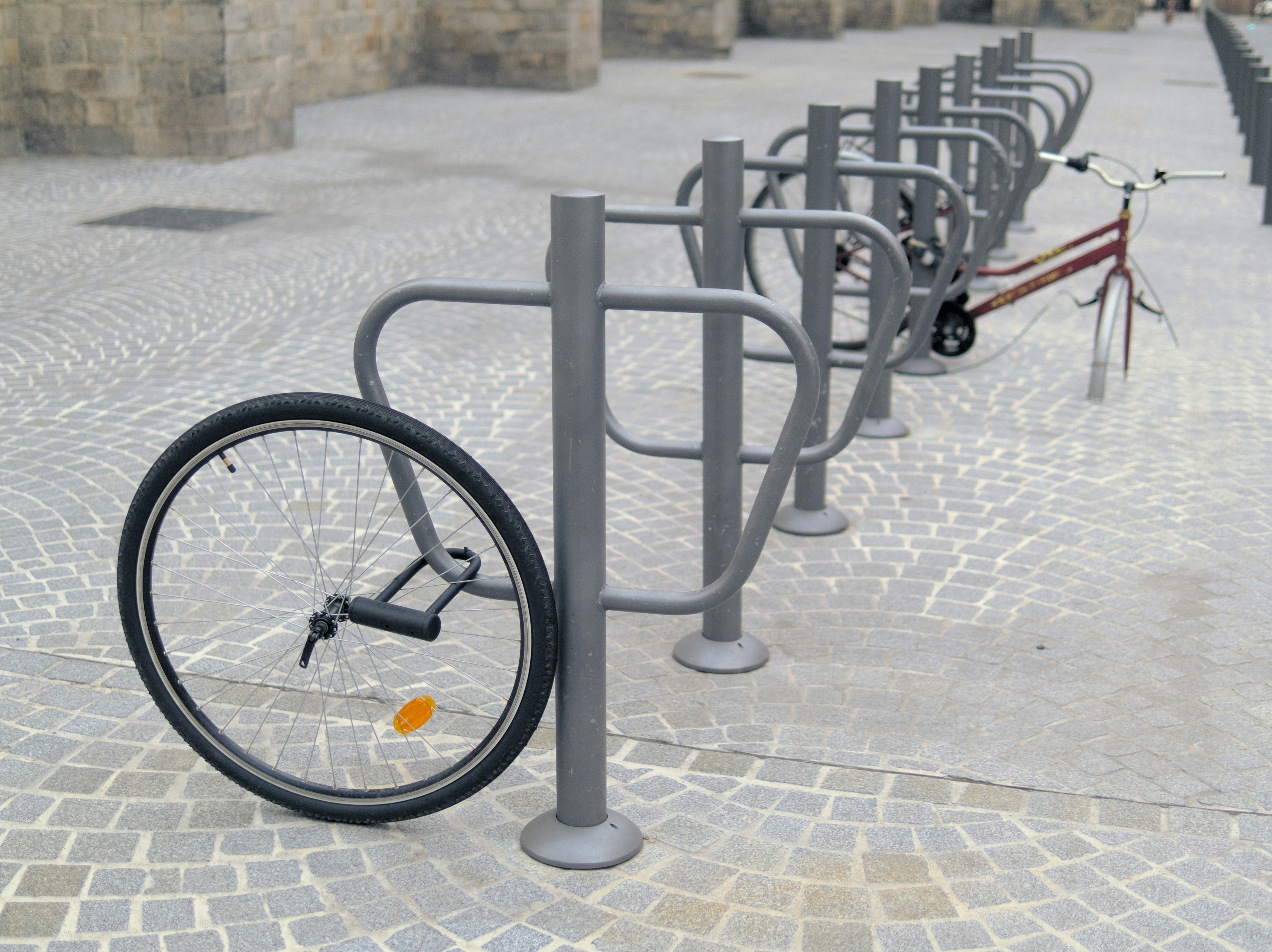

A scenario that happens more often than you think
An employee leaves a client meeting and leaves their laptop on the back seat of the car. They put the bag on the floor in a coffee shop and look away for a moment. The laptop disappears from the office during a break-in. It gets lost at the airport.
Laptops disappear - and in the vast majority of cases, owners worry more about the data than the hardware. Hardware can be replaced the next day. Data cannot be recovered.
The question is not "whether my laptop can end up in the wrong hands." It is "what happens to the data when it does."
A Windows password does not protect data
This is one of the most common misconceptions in IT security. A Windows system password protects against booting the system - not against access to data. It is enough to remove the drive and connect it to another computer as an external drive to read all files without any password.
It takes a dozen or so minutes and does not require specialized skills - a screwdriver and an adapter costing a dozen or so zlotys is enough. Anyone who finds or steals a laptop has access to all documents, email, customer data and saved passwords.
What disk encryption is and how it works
Disk encryption makes data stored on the drive unreadable without the encryption key. Even if someone removes the drive and connects it to another computer, they will only see an encrypted string of characters - worthless without the key.
The encryption key is tied to the user's account or to the TPM chip built into the motherboard. The drive can be read only on that specific computer by a logged-in user. For the user, encryption is invisible - the computer works exactly the same as before.
BitLocker - built-in encryption in Windows
In Windows, the disk encryption tool is BitLocker, available in Professional and Enterprise editions. It encrypts the entire drive using AES-256 - the same algorithm used by banks and government institutions.
BitLocker is available by default, but it is not enabled by default. Many company laptops operate with encryption disabled - simply because no one turned it on.
Managing recovery keys
Encryption raises one critical question: what happens when the user forgets the password or the computer fails? Without the recovery key, the data cannot be recovered - even by the owner.
With a self-deployed BitLocker setup, the recovery key, at best, is stored by default in the user's personal Microsoft account - the company has no control over it. Often it is also not stored anywhere because it is not needed for day-to-day work.
With properly configured centralized management, keys are stored in a secure administrative repository. The company can always regain access to the data - even when an employee leaves or the computer fails.
What about macOS?
On Apple computers, the equivalent of BitLocker is FileVault - a full-disk encryption tool using the AES-256 algorithm, available on every Mac. Like BitLocker, it requires deliberate activation and thoughtful management of recovery keys. The principle is identical: without active encryption, a removed drive can be read without any obstacles, regardless of the system password.
FileVault is based on the hardware coprocessor Secure Enclave, which is part of every device with Apple Silicon. That is a good foundation - but the mere presence of the technology does not replace policy. Recovery keys must be stored securely somewhere, and encryption must actually be deployed and verified on every device in the company.
If you use a mixed fleet - some Windows devices, some Macs - it is worth making sure disk encryption is covered by your agreement with the IT provider. Good IT support in Warsaw should include an encryption audit on both platforms and centrally managed recovery keys that the company can access regardless of what happens to the device.
Encryption and GDPR
The theft or loss of an unencrypted laptop containing personal data means an obligation to report the breach to the UODO within 72 hours. With an encrypted drive, the situation is completely different - stolen equipment without the key does not pose a real risk to the data. In many cases, this eliminates the reporting obligation and - more importantly - genuinely protects the people whose data was on the drive.
Encrypting external media
A laptop is not the only device that can fall into the wrong hands. A USB drive with documents, an external drive, a memory card. BitLocker offers BitLocker To Go - encryption of removable media. An encrypted USB drive without the password is worthless even to the person who finds it.
Similarly to browser extension management, media encryption is most effectively deployed centrally through system policy - so employees cannot save company data on unencrypted media.
What it looks like at Helpwise IT
We enable BitLocker on all of our clients' devices, and store recovery keys in a secure, centralized administrative repository. A laptop - wherever it ends up - will not expose data to unauthorized persons.